DelftStack.net
Phone & app tutorials,
rebuilt from real recordings
Every guide starts as a video recorded on the actual device. We turn it into a written tutorial with a screenshot for every step, so you can follow along without scrubbing through a video.
279tutorials
3devices
5apps
269tasks covered
Recorded on real devices
A screenshot for every step
Original video on every page
No stock images
Browse by device
Google Pixel 11 Pro
68 guides · recorded on this exact phone
Browse guides →
Redmi Note 17 Pro
6 guides · recorded on this exact phone
Browse guides →
Samsung Galaxy A57
69 guides · recorded on this exact phone
Browse guides →
Browse by app
Discord
33 guides · step-by-step, with screenshots
Gmail
18 guides · step-by-step, with screenshots
Google Maps
15 guides · step-by-step, with screenshots
Instagram
20 guides · step-by-step, with screenshots
TikTok
50 guides · step-by-step, with screenshots
Popular tasks
Block spam calls
2 guides
Change font size
2 guides
Change ringtone
2 guides
Change the Home Screen Grid
2 guides
Check and enable NFC
2 guides
Check Battery Health
2 guides
Check RAM usage
2 guides
Find call recording settings
2 guides
Find Downloads
2 guides
Turn on flashlight
2 guides
Access Voicemail
1 guide
Browse all tasks
269 topics
Latest tutorials
 Redmi Note 17 Pro
How to Check Battery Health on Redmi Note 17 Pro with HyperOS 3
 Redmi Note 17 Pro
How to Check Mobile Data on Redmi Note 17 Pro with HyperOS 3
 Redmi Note 17 Pro
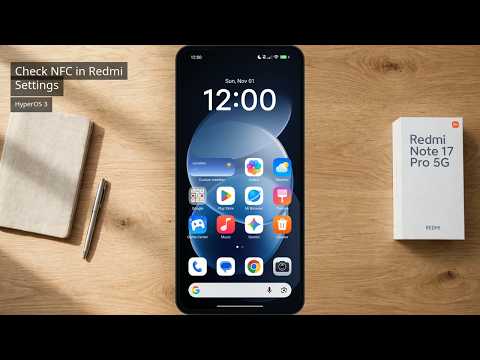
How to Check NFC Is Enabled on Redmi Note 17 Pro with HyperOS 3
 Redmi Note 17 Pro
How to Check RAM Usage on Redmi Note 17 Pro with HyperOS 3
 Redmi Note 17 Pro
How to Check the 80% Charging Limit on Redmi Note 17 Pro with HyperOS 3
 Redmi Note 17 Pro
How to Turn Off Vibration and Haptic Feedback on Redmi Note 17 Pro with HyperOS 3
 Google Maps
Blur Your Home on Google Maps to Protect Your Privacy
 Google Pixel 11 Pro
How to Add Calendar to the Home Screen on Pixel 11 Pro with Android 17
 Google Maps
How to Add Multiple Stops on Google Maps
 Google Maps
How to Avoid Toll Roads on Google Maps
 Gmail
How to Change Gmail to Dark Mode
 Gmail
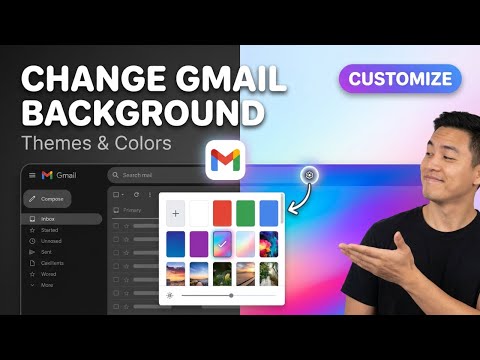
How to Change the Gmail Background
Device × App, mixed on purpose. A tutorial lives under its main dimension (a device or an app), and is cross-tagged with the other one. The same task on a different phone gets its own page — menu names and screenshots genuinely differ — and the two pages link to each other.